
PyCharm Install and Basic Use
PyCharm Install and Basic Use
Install
https://www.jetbrains.com/pycharm/download/
Two important :
- Add “bin” folder to PATH
- Associate
.pyto pycharm
Start Coding
- Create Project : “New project”, choose location, keep the default Project venv
- Create a python file on the left windows
Run
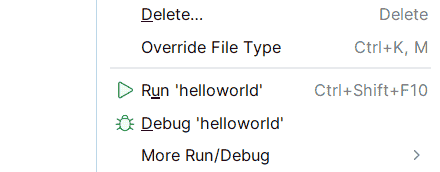
Two ways:
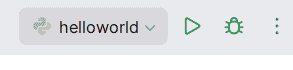
- First Right Click and
If counter:

Choose the “Create a virtual environment” is ok (If you have installed python)
Use
Bigger the editor
Settings -> General -> Mouse Control

Choose “All editors” is ok.
Full Screen
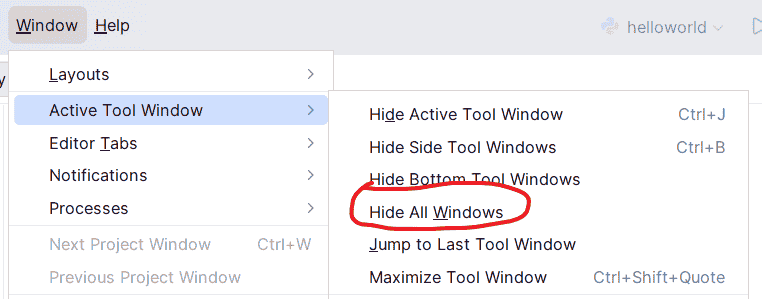
Fast keys
Shiftx 2 : SearchCrtl + /: Comment
Freopen
1 | import sys |
本博客所有文章除特别声明外,均采用 CC BY-NC-SA 4.0 许可协议。转载请注明来源 zhangxixi的博客!
相关推荐

2026-06-30
CSDN文章搬运至Hexo
CSDN文章搬运至Hexo 下载 我们使用CSDN2md插件: https://github.com/Qalxry/csdn2md 然后打开我们要下载的专栏 删去并行选型、图片保存本地选型 把间隔时间调整至3秒 添加文件元信息(用于转为hexo) 然后开始下载即可 记得一定要间隔充足的时间!不然会被CSDN识别为爬虫,然后就访问不了了。 转化 我们发现,这样下载后只有一级专栏,二级专栏没了 但我的二级专栏不多,所以可以用Python批量添加: 以一级专栏为 OI 为例,我们想添加二级专栏为 高考复键: 123456789101112131415161718192021222324252...

2026-06-30
Python安装
下载安装包,在 https://www.python.org/downloads/windows/ 上 安装,但是报错了: 我们使用Powershell强力安装: 打开Powershell,输入: 1Add-AppxPackage -Path "C:\Users\Administrator\Downloads\python-manager-26.2.msix" 等待完成,然后打开Python install manager: 安装好!去测试一下:

2026-07-01
博客园文章搬运至Hexo
博客园文章导入Hexo 获取文章 在博客园后台可以选择备份下载所有文章。 很久以前可以以 md 形式导出(现在不行了),而我那个时候导出过,所以我就有所有原始md文件 然后再以 xml 形式导出,这是为了补充我们前面的yml。 接下来我们把xml和md进行合并: 首先保证目录结构是这样子的: 123456789D:\cnblog\├─ cnblogs_backup.xml # 博客园后台导出的官方备份文件├─ md_original/ # 你之前下载好的所有MD原稿(带子目录分类也没关系)│ ├─ 算法/│ │ └─ DP/│ │ └...
2026-10-08
Python Input & Output
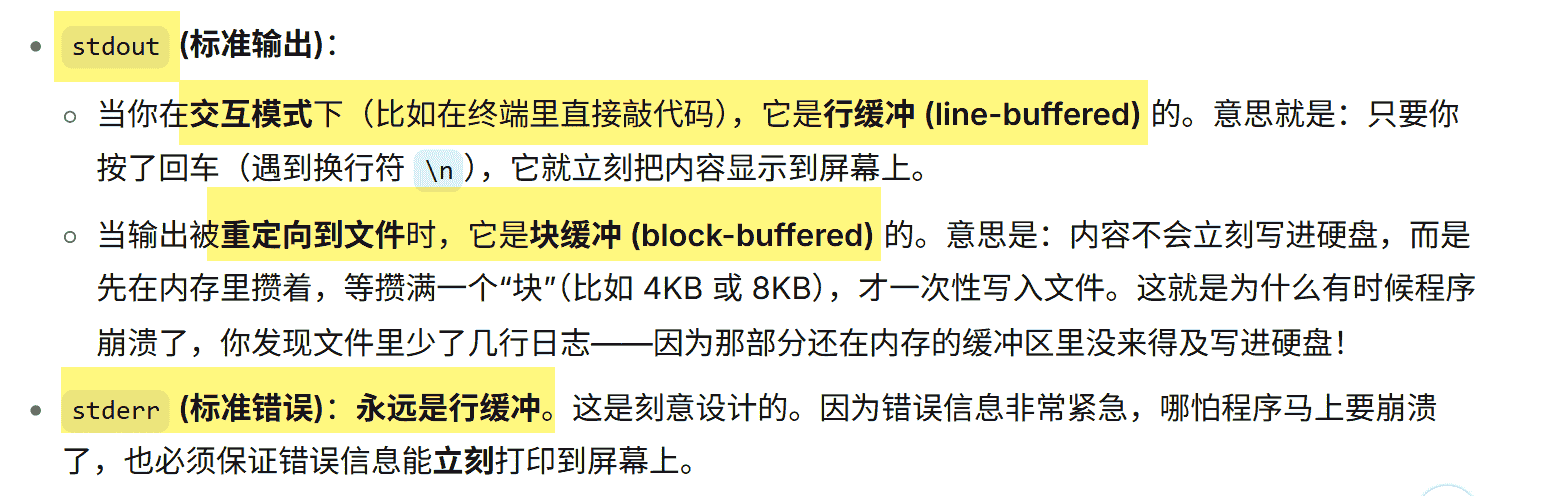
Python Input & Output Input reads one line from stdin and returns a str Get an integer : s=int(input()) The usage of Prompt: EOF EOF = End of File 当读到EOF,input()会报出 EOFError,比如: 123456# 假设这段代码在等待输入try: s = input("请输入内容: ") print("你输入了:", s)except EOFError: print(...