
pandoc & TinyTex 安装记录
pandoc & TinyTex 安装记录
本文搬运自本人高中时期CSDN博客,若图片加载不出来,可到原文查看:https://blog.csdn.net/zhangtingxiqwq/article/details/161159413
What it pandoc?
https://github.com/jgm/pandoc
pandoc is a free and open-source file convertor, it can convert markdown to pdf, word, html or more
How to make it?
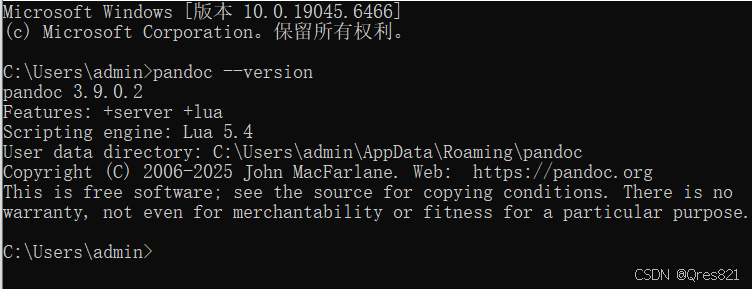
https://github.com/jgm/pandoc/releases/tag/3.9.0.2
pandoc-3.9.0.2-windows-x86_64.msi
然后安装就行
Use

命令行 pandoc test.md -o test.txt 即可
直接转html会报错,需要安装pdflatex
TinyTex 安装
安装TinyTex https://github.com/rstudio/tinytex-releases
TinyTeX-1-windows.exe
双击运行,它会自动安装在当前文件夹里
然后复制到自己需要的文件夹里,然后配置环境变量Path D:\soft\TinyTeX\bin\windows
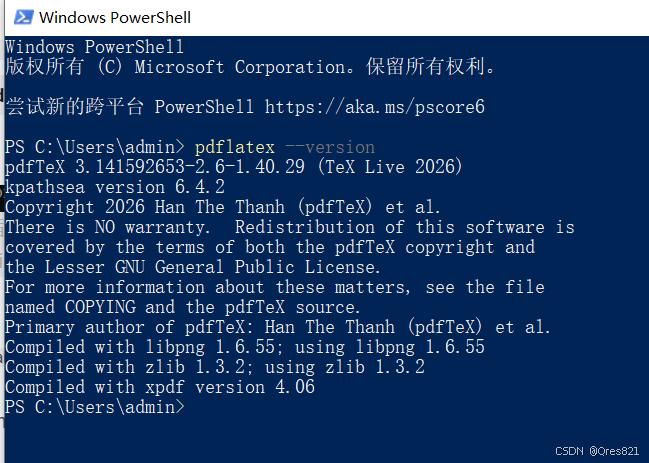
安装成功!
Use again
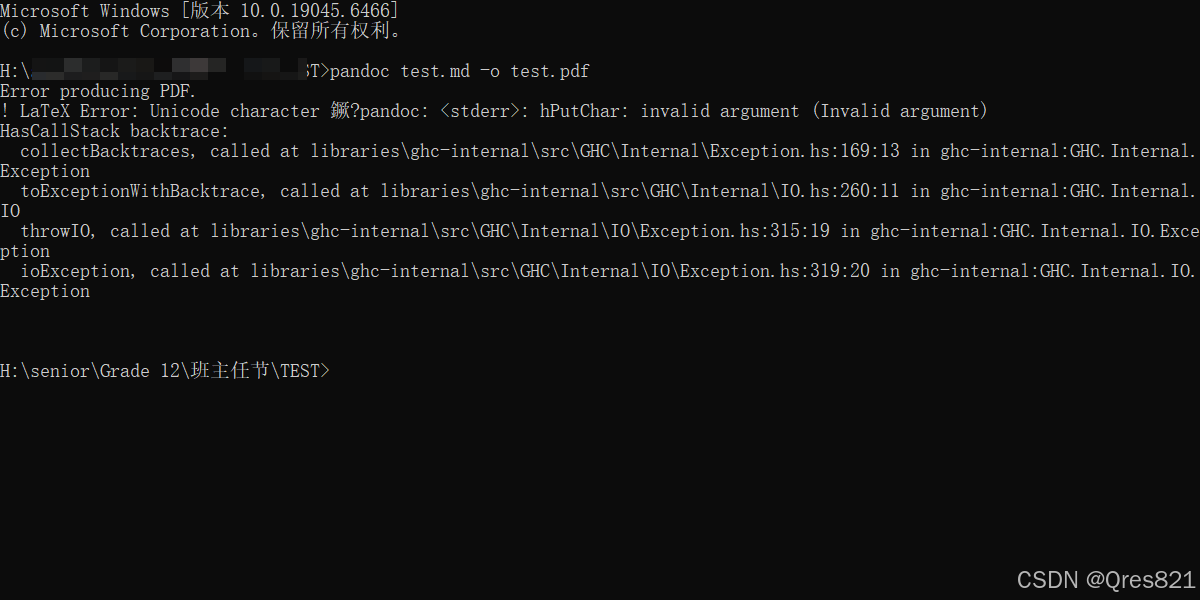
Fail again…
原因:不支持中文
解决办法:
-
powershell安装:
tlmgr install xecjk cjk fontspec -
转pdf运行命令:
pandoc test.md -o test.pdf --pdf-engine=xelatex -V CJKmainfont="SimSun"
更多用法
-
转word:
pandoc test.md -o test.docx -
Markdown → 电子书
pandoc 小说.md -o 电子书.epub生成 Kindle / 手机可看的电子书 -
生成pdf模板:
1 | # 中文Markdown转PDF(带标题、目录、页边距) |
- 可以通过脚本调用,实现批量转换