
Hexo博客GitHub备份方法
Hexo博客GitHub备份
我们经常会用github page来部署hexo博客,但是我们hexo的源代码却没有备份。
我们可以在GitHub上建一个私有仓库来备份。
-
GitHub上建一个private repository,命名为
Hexo-Blog -
本地的
.gitignore文件修改为:1
2
3
4
5
6
7
8
9
10.DS_Store
Thumbs.db
db.json
*.log
node_modules/
public/
.deploy*/
_multiconfig.yml
themes/*/.git
themes/*/.github -
进入
themes/butterfly,删除.git和.github文件夹(否则会被识别为子模块,无法上传) -
初始化git
1
2
git init
git branch -M main -
关联仓库
1
git remote add source git@github.com:zhangxixi2008/Hexo-Blog.git
-
全部提交
1
2
3
4
5
6
# 添加所有源码文件
git add .
# 提交备注
git commit -m "完整备份hexo博客源码"
# 推送到私有仓库main分支
git push -u source main -
后续修改后提交
1
2
3
git add .
git commit -m "更新:新增xxx文章/修改配置"
git push source main
本博客所有文章除特别声明外,均采用 CC BY-NC-SA 4.0 许可协议。转载请注明来源 zhangxixi的博客!
相关推荐

2026-07-20
Hexo 中的 Category 管理:Hexo-Category-Manager
Hexo 中的 Category 管理:Hexo-Category-Manager Hexo目录管理不太方便,涉及到文章批量修改Category时非常麻烦。 不支持Category整体改名,不支持批量修改。 于是我就viber coding了一个Category的批量管理的本地html系统。 GitHub链接 :Hexo-Category-Manager 效果: 以下是介绍: 📁 Hexo Category Manager 一个本地运行的可视化网页工具,用于批量管理 Hexo 博客文章的分类(categories)。告别手动编辑每篇文章的 front-matter,通过直观的...
2026-07-20
Git:本地SSH添加到GitHub账号
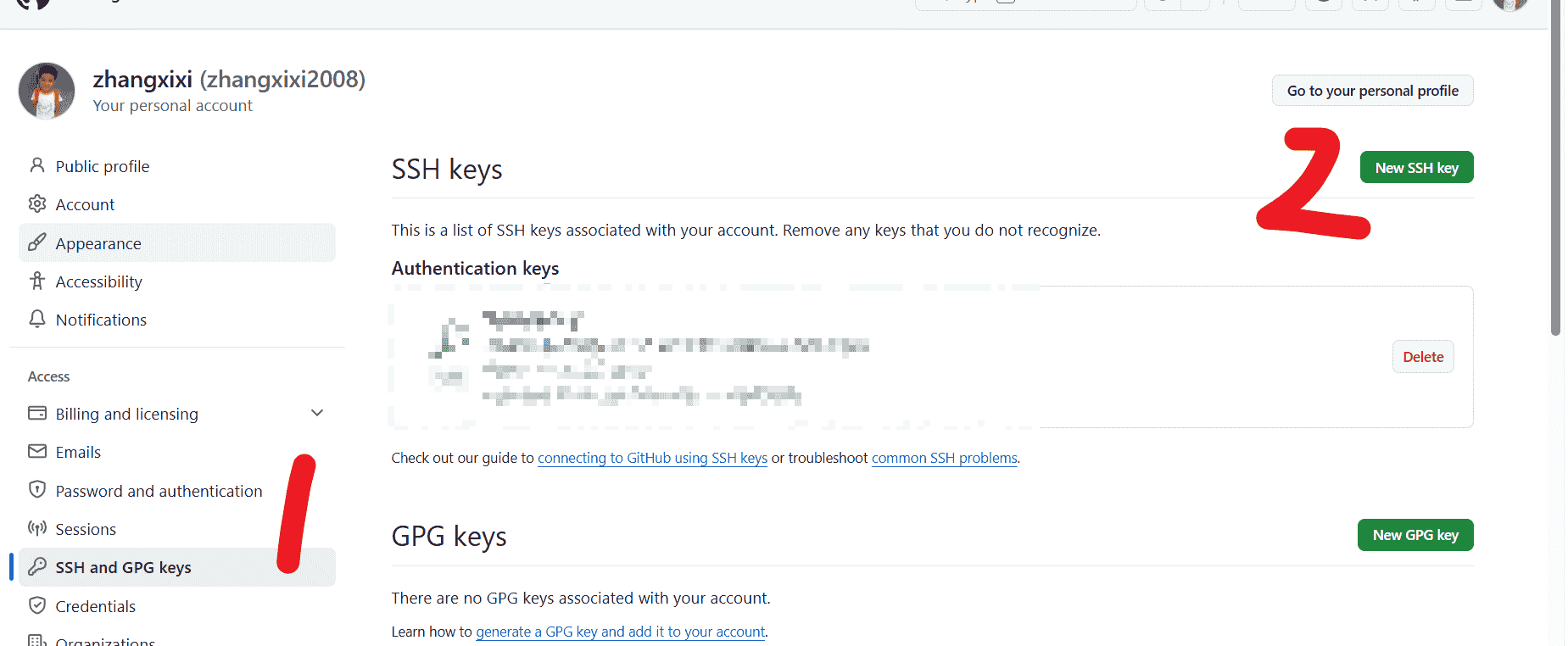
Git:本地SSH添加到GitHub账号 前言: 不知道为什么我本地的SSH失效了,SSH 鉴权失败,无法推送代码 因此我要重新练一次 失败的时候显示: 输入 ls ~/.ssh 看看ssh有没有配置成功: 好,那就让我们重新开始配置SSH。 1. 生成新秘钥 1ssh-keygen -t ed25519 -C 2008zhangtx@gmail.com 2. 复制公钥全部内容 1cat ~/.ssh/id_ed25519.pub 把下面这一行整串复制走,然后打开GitHub: 3. 测试连接 1ssh -T git@github.com 这样子就成功了!

2026-06-30
Hexo调整博客字体大小
Hexo中正文字体太小了?可以使用如下方法自定义CSS调整: 在 /themes/butterfly/source/css/ 目录下创建一个 custom.css 的文件 写入以下代码: 1234/* 调整文章正文字体大小 */.post-content { font-size: 20px; /* 修改为你想要的大小, 20px我认为很合适,但还不知道手机上兼不兼容 */} 在Butterfly的 _config.yml 文件中,搜索 inject 选型,修改为: 123inject: head: - <link rel="sty...

2026-06-30
Hexo使用PicGo
首先下载安装配置PicGo:https://blog.csdn.net/zhangtingxiqwq/article/details/161548143 然后打开Typora,进行配置: 测试成功: PicGo可打开以下设置: 因为如果开机不自启Typora复制时就用不了了 关于图片压缩: 可以在Typora选择:插入时自动转义图片URL
2026-07-03
使用 ECharts 对 Statistic 界面魔改
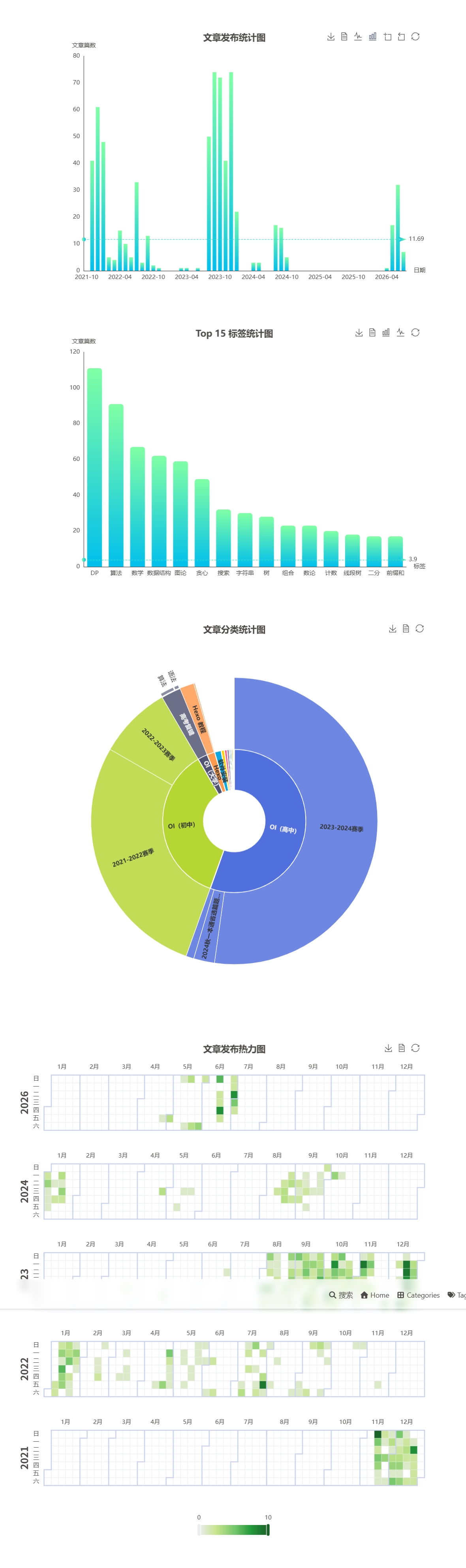
使用 ECharts 对 Statistic 界面魔改 前情提要:/post/2885718883 Hexo数据统计页面 | zhangxixi的博客 但是之前的界面比较粗糙,现在根据文档改了很多 文档入口:Documentation - Apache ECharts 主要改变 上方添加图表工具栏,支持转化、缩放、重置、查看数据、导出 对文章统计分类的旭日图进行更丰富的改变 增加文章发布热力图 效果对比 原先 现在 更改 升级你的ECharts 由于我们使用的是api,所以在 _config.butterfly.yml 中改成: 1- <script src="...